
Weekly meal planning
Fill breakfast, lunch, dinner and snacks for the week, plan leftovers and eating out, and see the whole week at a glance.
Meal planning made refreshingly simple
MealSpring brings your meal plan, pantry, grocery list and food budget together, so you always know what's for dinner, what's in the kitchen and what to buy.
Free to start · Android · Your kitchen data stays on your phone

What it does
No juggling separate apps for planning, pantry and shopping. Each part knows what the others are doing.
Fill breakfast, lunch, dinner and snacks for the week, plan leftovers and eating out, and see the whole week at a glance.
Know what you have, what's running low and what's close to its date. Cooking a meal takes its ingredients out for you.
Your plan becomes a shopping list, minus what's already in the pantry, grouped by category and ready to tick off.
Set a food budget, record what you spend, compare stores and see what your meals really cost week to week.
Nearly 200 ready-to-cook recipes, your own recipes and collections, step-by-step cook mode with timers.
Optional reminders for meals, expiring food, shopping trips and budget, plus an evening check-in on what you cooked.
How it works
Tell MealSpring a little about your household once. After that, each week takes minutes.
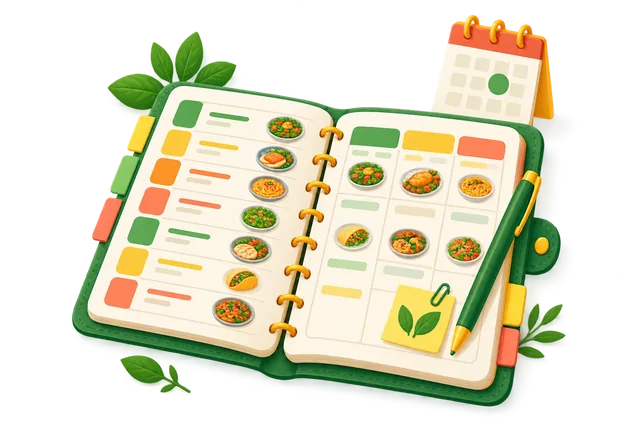
Pick meals you love, add your own, or start from suggestions that fit your diet, time and taste.
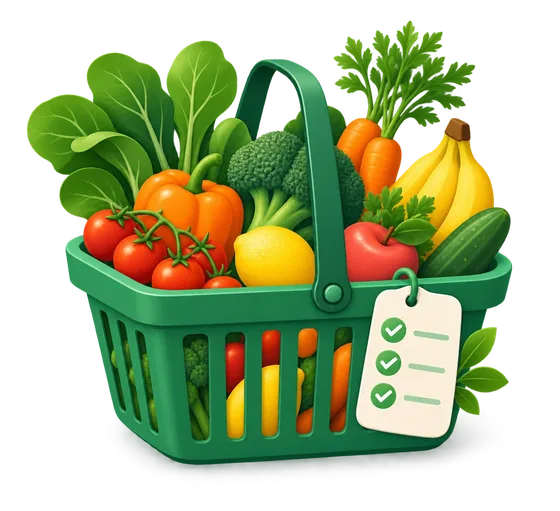
MealSpring checks your pantry and turns the plan into one shopping list with only what you need.
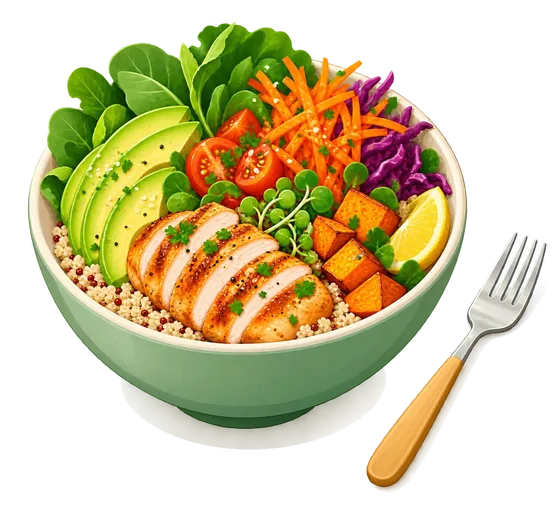
Follow the recipe in cook mode, mark it cooked, and your pantry and budget stay up to date.
Plans
Everything you need to plan, shop and cook is free. Optional plans add weeks planned for you.
The full kitchen toolkit
Your week, planned for you
Everything in Plus, and more
Plus and Premium are monthly or yearly subscriptions billed through Google Play where available. The current price for your country is shown in the app before you buy. Cancel any time in Google Play.
Your meal plans, pantry, grocery lists, recipes and budget are stored on your phone, not in our cloud. We don't sell your information and there are no ads.
Questions
Yes. Planning, pantry, grocery lists, budget, recipes and reminders are free. Plus and Premium are optional subscriptions for weeks planned for you and other extras.
MealSpring is available for Android on Google Play.
You sign in with email or Google so your plan and subscription belong to you. Your kitchen records are still kept on your phone rather than in an online account.
Use Profile → Data and privacy → Export backup to save a backup file, then use Restore backup in MealSpring on your new phone.
You can set diets and foods to avoid, and MealSpring uses them when suggesting and planning meals. Always check ingredient labels yourself, especially for allergies.
Email support@dayvityapp.com, or use Help and support in the app.
Free to start, and set up in a couple of minutes.